Process
How It Works
Three steps between you and seeing any garment on your body. Simple, fast, photorealistic.
01
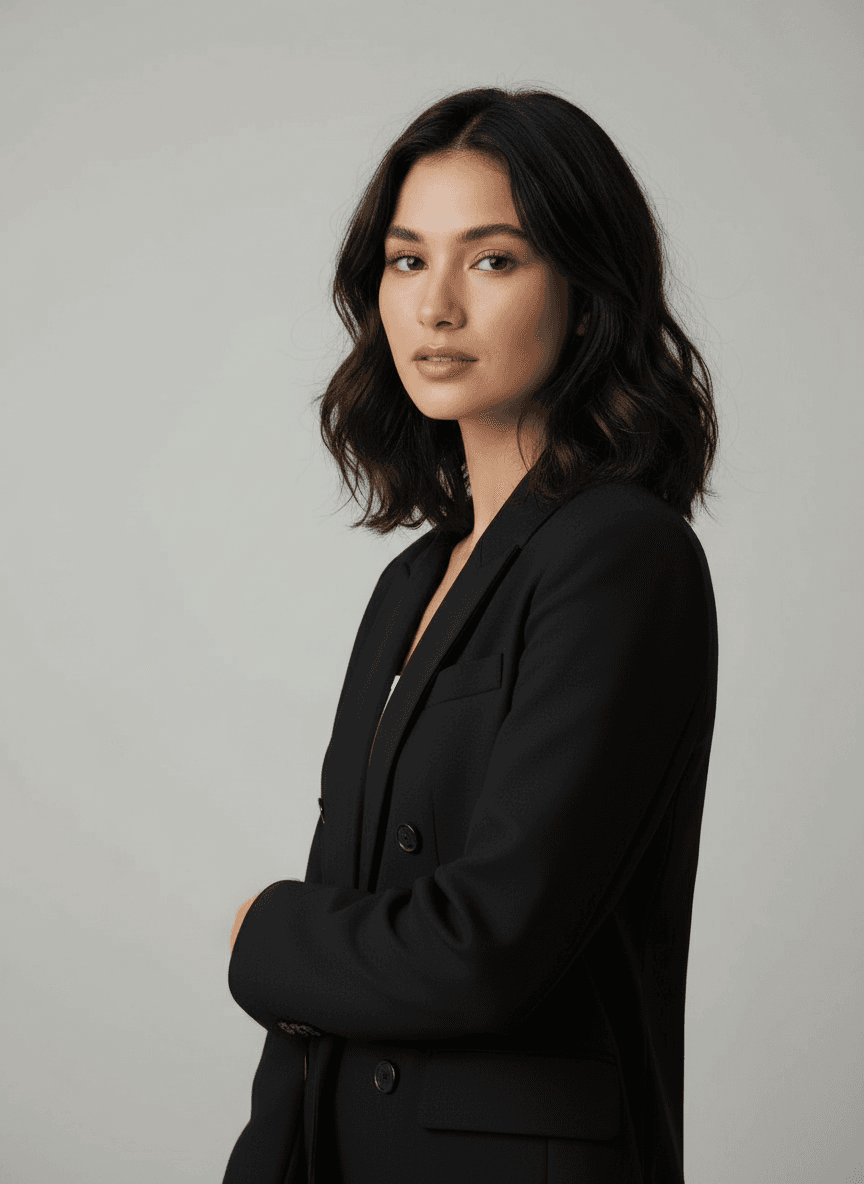
Upload your photos
Upload 1 to 3 photos of yourself. Multiple photos from different angles give the AI more reference data, improving consistency and accuracy across the generated outputs. Use clear, well-lit photos — any background works.
- • Up to 3 reference photos
- • Any angle, any background
- • Photos stay in your account for reuse until you delete them
- • Free — no credits consumed for uploads
02
Add the garment
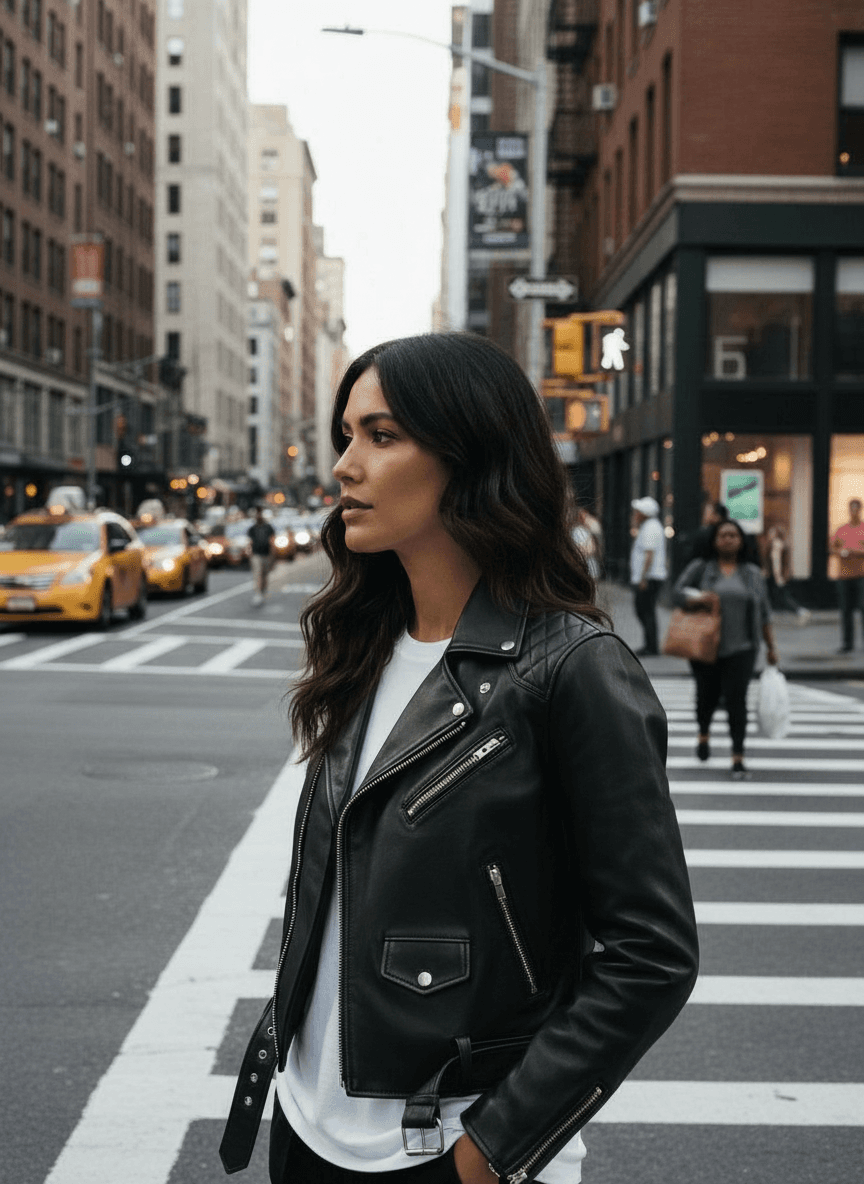
Upload a photo of the garment — flat-lay, product shot, screenshot, even a photo of someone else wearing it. Or paste a product URL and MIRRR tries to extract the garment image from the page; if a store blocks that, upload a photo instead.
- • Photo upload: any image of the garment
- • URL paste: reads the product image from most store pages
- • Auto-extraction from product pages
- • Supports flat-lays, editorial shots, screenshots
03
See yourself in it
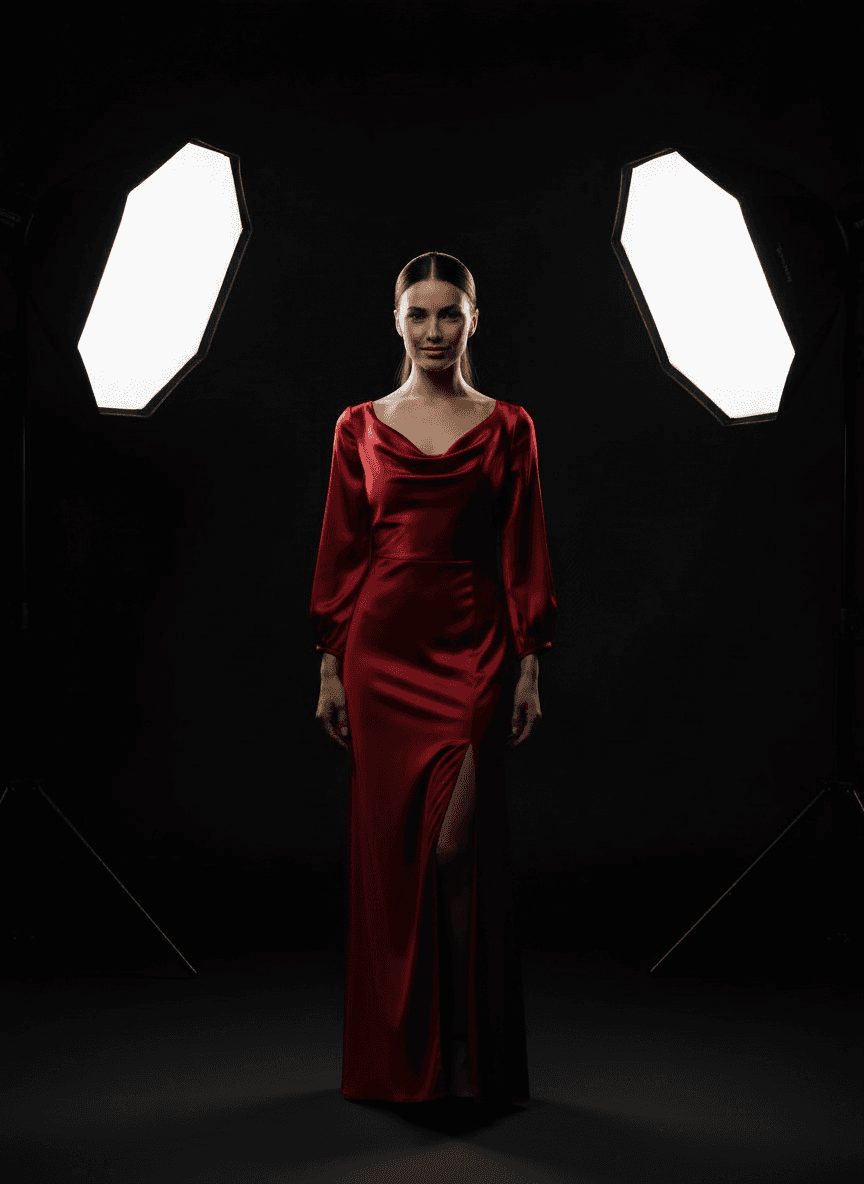
MIRRR generates photorealistic images of you wearing the garment. The AI preserves your face, body proportions, skin tone, and hair while applying the garment with natural draping, fabric texture, and lighting consistency.
- • Results in seconds
- • Preserves your exact appearance
- • Natural fabric draping and lighting
- • One high-resolution image per generation
The Technology
Google Nano Banana
Built on Gemini 2.5 Flash Image — Google's state-of-the-art image generation model. Uses world knowledge and multimodal reasoning to understand how clothing physically behaves on a body.
Your privacy
Your photos are never used to train models. Delete a photo, or your whole account, from your dashboard at any time.
Iterative editing
Not perfect on the first try? Adjust the fit, change the pose, modify the background — all through follow-up prompts on existing generations.
Ready to try?
50 free credits. No card required.
Create Account